 Skip to content
Most DAW debates go like this: people pick a side, defend it like a football club, and refuse to acknowledge anything else exists. I'm going to do something different — give you the honest truth from someone who uses both Cubase and Reaper professionally, every single day.
I use Cubase for composing and producing. Arrangements, virtual instruments, film scores, EDM and hardstyle productions — that's Cubase territory for me. Then I open the stems in Reaper for mixing and mastering. Different tools, different strengths, zero compromises.
After 26 years in the music industry, I've tried nearly everything. This isn't a spec sheet comparison — it's what actually matters when you're staring at a deadline at 2 AM.
Cubase: The Powerhouse for Composition and Production

My production workflow starts here: composition, arrangement, and sound design in Cubase.
Cubase has been a flagship DAW since the late 1980s. Steinberg built it to be the complete studio-in-a-box — and for production work, that still holds true. Here's why I reach for it when I'm building a track from scratch.
What Cubase does exceptionally well
- MIDI handling: The MIDI editor in Cubase is in a different league. Chord tracks, expression maps, note expression for detailed articulation control — if you write for orchestral libraries or virtual instruments, nothing comes close.
- Score editor: For film and composition work, the built-in score editor is genuinely usable. Not Sibelius, but good enough that I don't need a separate notation app for most projects.
- Variaudio: Steinberg's pitch correction is built directly into the audio editor. It's fast, it sounds natural, and it keeps everything in one place.
- Control Room: Monitor switching, headphone mixes, talkback — all without touching your main mix bus. An underrated feature for anyone recording vocalists or collaborating remotely.
- Instrument tracks: VSTi integration is seamless. Load a Kontakt library, a synth, a drum machine — the routing stays clean and predictable.
"When I'm composing a hardstyle track or building a film arrangement, Cubase gives me a creative environment where the tools get out of the way. The MIDI workflow alone is worth the price of admission."
— Andor van Reeven, Reeven MusicWhere Cubase falls short
Cubase isn't perfect. The CPU load on large sessions can become frustrating. The interface, while powerful, requires a learning curve that intimidates beginners. And the pricing — especially for Pro — is a serious commitment. For mixing large track counts with complex routing, I also find it less flexible than what I need.
- Writing with virtual instruments
- Film & cinematic scoring
- Vocal recording & editing
- Complex MIDI arrangements
- EDM & electronic production
- High CPU on large sessions
- Steep learning curve
- Premium price tag
- Heavy-handed licensing (eLicenser)
- Less flexible for mixing routing
Reaper: The Precision Tool for Mixing and Mastering
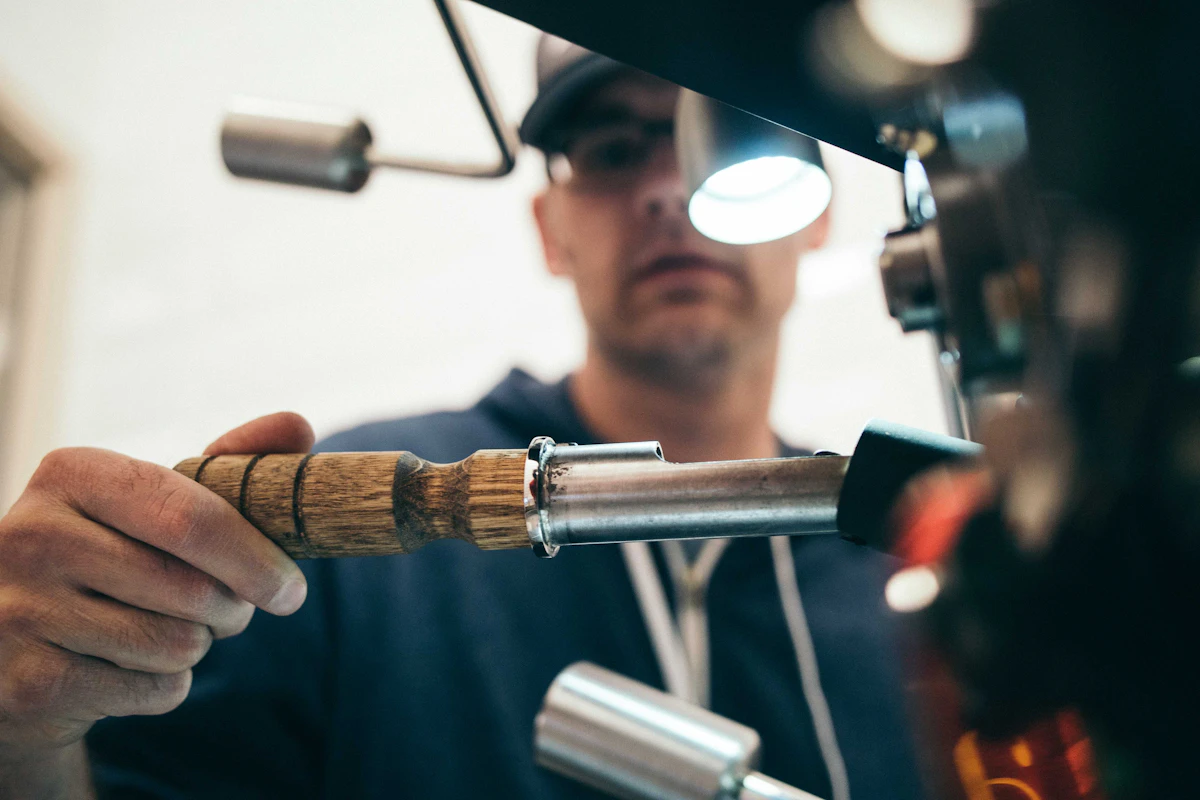
The mixing and mastering stage: where Reaper's routing power and low CPU overhead make all the difference.
Reaper is the odd one out in the DAW world. Small company, no marketing budget, $60 for a full license — yet it's become the go-to for a surprising number of professional engineers. There's a reason for that.
What Reaper does exceptionally well
- Routing: Reaper's routing matrix is the most powerful in any DAW, period. Multi-bus setups, parallel compression chains, complex send structures — it handles everything without workarounds.
- Performance: The CPU footprint is remarkably small. I regularly run sessions with 80+ tracks, heavy plugin chains, and don't hit the ceiling. On the same machine, Cubase would be choking.
- Customisation: Almost everything in Reaper is customisable via scripting (ReaScript). If a feature doesn't exist, you build it. The community has created thousands of free scripts.
- Price: $60 for a discounted licence. That's not a typo. The full DAW, no subscription, no dongles. Steinberg charges 10x that for Cubase Pro.
- Stability: In years of professional use, I can count the Reaper crashes on one hand. It just works.
"Reaper changed how I think about mixing. The routing possibilities mean I can set up any signal flow I want — without fighting the software. For mastering chains in particular, it's unbeatable."
— Andor van Reeven, Reeven MusicWhere Reaper falls short
Reaper's MIDI editing is functional but not where you want to be for serious composition work. The interface out of the box looks dated — you'll need a custom theme and some time to make it feel professional. Virtual instrument workflow is also not as smooth as Cubase. And while the customisability is a strength, it can overwhelm beginners who just want to press play and make music.
- Large session mixing
- Complex routing & bus chains
- Mastering with precision
- Low-budget professional setup
- Custom workflow automation
- Weak MIDI composition tools
- Ugly default interface
- Steep learning curve to customise
- Smaller plugin ecosystem
- Less intuitive for recording
Head-to-Head Comparison
Here's how they stack up across the areas that matter most for music producers and engineers.
| Category | Cubase Pro | Reaper | Winner |
|---|---|---|---|
| MIDI & Composition | Excellent — best in class | Functional but basic | Cubase |
| Mixing workflow | Good | Excellent — most flexible | Reaper |
| Mastering | Capable | Superior routing & precision | Reaper |
| CPU performance | Moderate (heavy on large sessions) | Excellent — very light | Reaper |
| Virtual instruments | Seamless integration | Works, but less smooth | Cubase |
| Recording vocals | Excellent (Control Room) | Good | Cubase |
| Audio editing | Very good (VariAudio) | Excellent (fast & flexible) | Draw |
| Routing flexibility | Good | Best in class | Reaper |
| Customisation | Limited | Unlimited (ReaScript) | Reaper |
| Stability | Good | Excellent | Reaper |
| Price | €600+ (Pro) | €60 (discounted licence) | Reaper |
| Learning curve | Steep | Steep (different reasons) | Draw |
Which One Should You Use?
The honest answer: it depends on what you're doing. But here are clear recommendations based on your situation.
Choose Cubase
If your work revolves around writing music — film scores, electronic productions, songs with many virtual instruments — Cubase gives you the MIDI tools and compositional workflow that Reaper simply can't match. The investment is high, but the creative return is real.
Choose Reaper
If your job is to take someone else's stems and make them sound great, Reaper is the smarter choice. The routing, the performance, the flexibility — at a fraction of the cost. Most professional mixing engineers I know have either switched to or added Reaper to their setup.
Use both — and embrace it
There's no rule that says you need a single DAW. I produce in Cubase, export stems, and open them in Reaper. The handoff takes 5 minutes. The quality benefit is significant. Stop looking for a single perfect tool and start building a workflow that plays to the strengths of each.
My Actual Workflow: Cubase → Reaper

The finished production leaves Cubase as stems — and arrives in Reaper for the mix and master.
Here's exactly how a track moves through my studio:
- Production in Cubase: I build the full arrangement — synths, drums, melodic elements, bass, atmospherics. All MIDI, all virtual instruments, all in Cubase. I use the Score editor for any notation work on film projects.
- Stem export: Once the production is where it needs to be, I export each element as a dry audio stem (usually 24-bit / 44.1kHz or 48kHz depending on the project). No effects — just the audio.
- Import into Reaper: The stems land in a clean Reaper session. I use a custom template I've built over the years — parallel buses already set up, my favourite plugins pre-loaded, colour coding ready to go.
- Mix in Reaper: This is where I spend the most time. EQ, compression, saturation, stereo width, reverb, delay — all built up around Reaper's routing matrix. The low CPU load means I can run an aggressive plugin chain on every single track without worrying about dropout.
- Master in Reaper: The master bus chain handles limiting, final EQ, and loudness targeting. For EDM and hardstyle this typically means hitting around -7 to -6 LUFS integrated. For streaming-optimised masters, I aim for -14 LUFS.
The result: a track that has the creative depth of a full Cubase production with the technical polish of a Reaper mix. The two-DAW workflow adds maybe 10 minutes per project. The quality difference is audible.
Want that level of polish on your track?
I mix and master EDM, hardstyle, film music and pop — using the exact workflow described above. Trusted by Charly Lownoise, T-Spoon, Harris & Ford and more.
Get in touch →